


Normal reminders
- Notify once.
- Become easy to dismiss.
- Leave overdue tasks hidden in a list.
- Make snooze feel like losing the task.
 Remylo
Reminder alarms for important tasks
Important tasks stay visible until done—even after snooze, delay, or an overdue moment.
2-week free trial when eligible. No account required.

The real reminder problem
You saw the alert. You were busy. You snoozed it, dismissed it, or forgot what you were doing. A persistent reminder app should help the task come back instead of letting it slip into the background.
Missed reminder recovery loop
Remylo is built around one recovery path: prepare before the alert, ring when it matters, keep snooze visible, recover overdue tasks, and move repeating routines forward after completion.
Title optional. Pick the time, repeat rule, and support level without rebuilding the same reminder every time.
Heads-up notifications can warn 10 minutes, 30 minutes, 1 hour, or a day before the main reminder.
Gentle, normal, or aggressive snooze profiles can shorten follow-up intervals when the same task keeps slipping.
When a reminder becomes overdue, quick recovery actions bring it back instead of leaving it buried.
Done clears the task. Smart Repeat moves recurring reminders to their next occurrence, so the series keeps going.
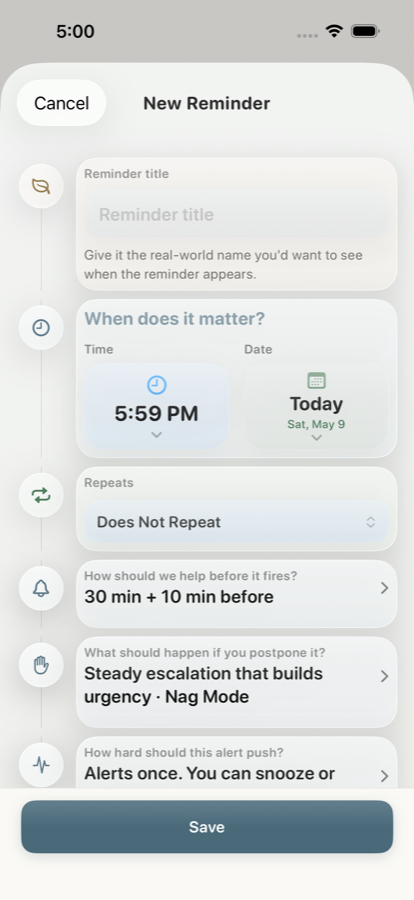
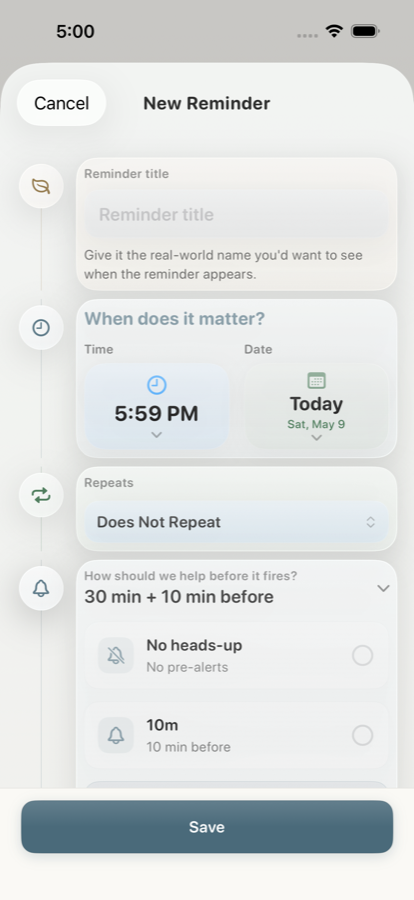
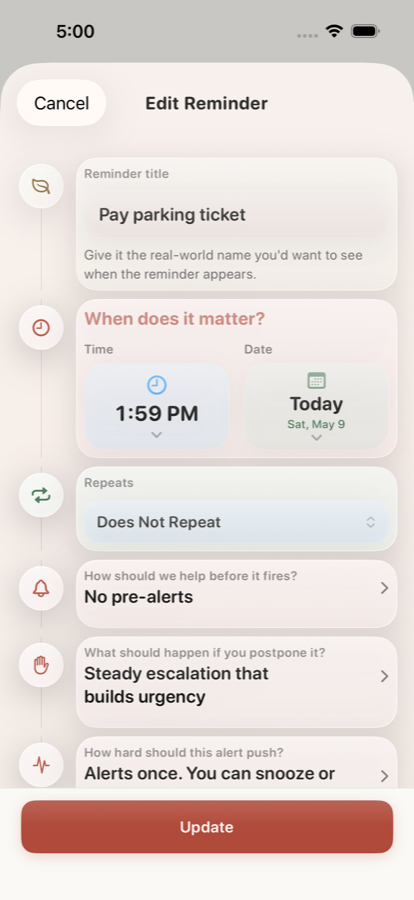
Before and after
Short use cases
Each use case follows the same recovery loop, but the reason it matters is different.
Heads-up notifications and reminder alarms keep time-sensitive plans visible before and after the due moment.
Appointment reminder alarmsSnooze support, overdue reminder recovery, and stronger alert moments for tasks that should not disappear after one notification.
Persistent reminder appSupportive follow-up copy, shorter snooze loops, and less predictable timing help important tasks resurface when alerts become background noise.
ADHD reminder appRecurring routine reminders for laundry, trash day, errands, and the small tasks that keep sliding.
Routine reminder loopThe ongoing value
Remylo pre-sells the habit it supports: reminders keep resurfacing until you act, repeating tasks keep moving forward, and overdue recovery turns a missed moment into the next chance.
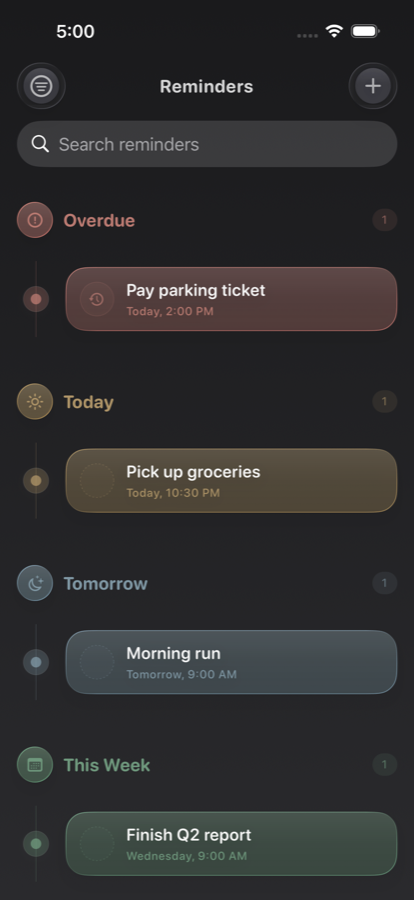
Proof without inflated claims
Real AlarmKit reminder alarms require supported devices and permission. Reminders still save with a clear warning when alarm prerequisites are not available.
No app analytics services, crash reporting services, advertising trackers, or app account system.
Reminder data can sync through your private iCloud account, while local fallback keeps the app usable when iCloud is unavailable.
Questions
For real-life delay
2-week free trial when eligible. No account required. Private by design.